Written by Israel Egede
AI is everywhere. It is changing how we work, learn, create, and handle our everyday tasks. But with all the hype and endless new tools, it can be daunting to know where to start. The good news? You don’t need to be a tech expert to make these tools work for you.
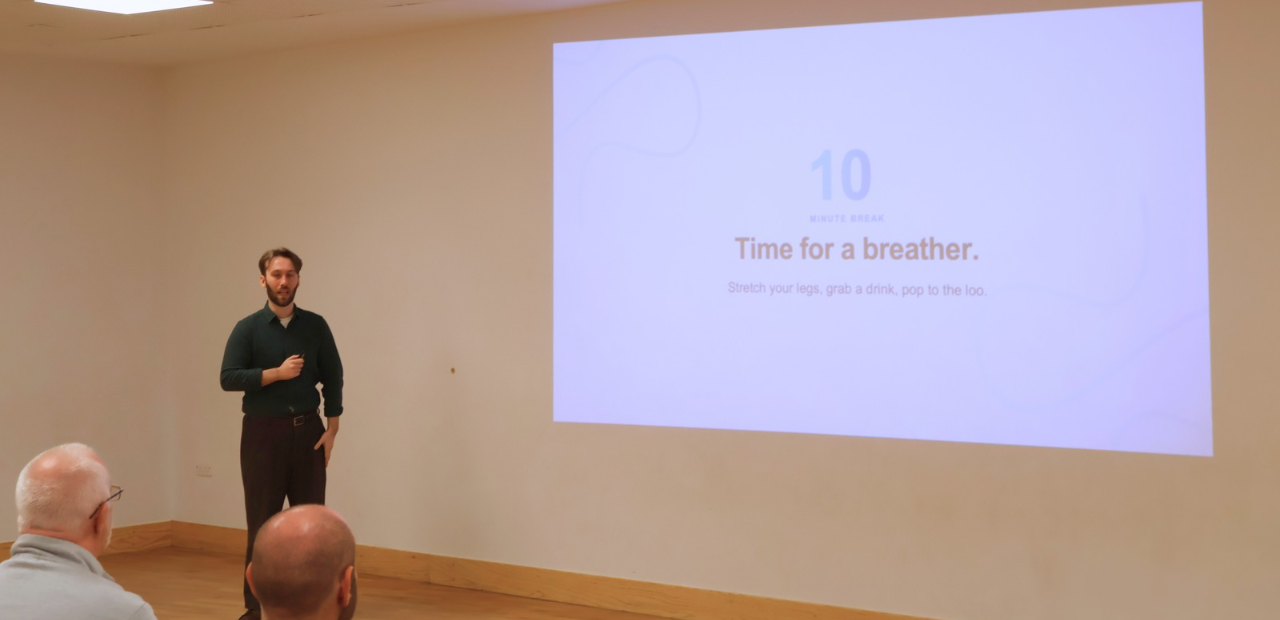
This session touched on some tools the Digital Pathfinders team has used to improve workflow generally and reduce inefficiencies. Don’t worry if you missed the session as this blog covers the necessary information.
What Is AI and the Tools That Accompany It?
Artificial intelligence (AI) is a technology that allows computers and machines to do tasks that normally require human intelligence. These can include understanding language, generating content, analysing information, and supporting decision-making.
AI tools are basically special software used to access this intelligence without a need to build the underlying technology yourselves. In practice, they can help with tasks such as drafting documents and creating presentations.
Do You Need AI Tools in Your Organisation?
If you intend to reduce time spent on tasks like presentations, branding or high-fidelity mockups, without significantly increasing your costs, then these tools are worth exploring.
Many tools offer free or paid plans, so you will need to test to see which works best for you and your organisation. The right tool should be able to support your existing workflow rather than changing how you work unnecessarily.
At the end of the day, if these tools do not fit your modus operandi, then it may not be the right one for you.
A practical way to start:
- Identify a repetitive or time-consuming task.
- Choose one tool that can help with it.
- Test on a small, low-risk piece of work.
- Review quality, time saved, and any risk.
- Decide if it’s worth using more widely.
Making AI Work for Your Organisation
Choosing the right AI tool is about fit, not popularity. You need to consider what task you need help with, budget, ease of use for the team, and whether it fits into the existing systems well. It is also important to check how the tool handles data and whether it has an accurate, useful output. Needs may change over time, so the tools would have to be reviewed regularly and be prepared to switch if a tool is no longer saving you time, delivering good results or providing good value for money.
Example of AI Tools
During the session, several AI tools were highlighted as examples of how AI can support different types of work. Each one useful for a purpose, so best choice is dependent on your aim.
Google Stitch - AI-Powered Design and Prototyping
Google Stitch is an AI design tool that generates user interfaces for mobile and web applications.
It is particularly useful for creating initial mockups, exploring layout ideas, or turning a concept into something visual before investing time in detailed design or development.
Claude - AI-Powered Writing, Research and Coding Support
Claude is a flexible AI assistant that can support a wide range of everyday and professional tasks.
It can help with writing, research, planning, summarising information, explaining complex topics, and coding support. Claude can also help create PowerPoint presentations.
Cursor - AI-Powered Software Development
Cursor is an AI-powered code editor designed to help people build software more quickly and confidently.
It can suggest code, explain existing code, help identify issues, and support multi-step changes within a project.
Gemini Notebook - AI-Powered Research and Knowledge Management
Gemini Notebook, formerly known as NotebookLM, is a research and thinking tool that works with the information you upload.
You can add documents, links, videos, and other sources, then ask questions, create summaries, and generate study guides or reports based on those materials. You can add up to 50 sources on the free version.
Replit - AI-Powered Building and Prototyping
Replit is a cloud-based AI platform that lets you write, run, test, and deploy applications directly inside your web browser.
You can start with a simple concept, build a basic version, test it, and make improvements as you go, making it a practical option for prototypes, small tools, and early-stage projects.
ChatGPT - AI-Powered Everyday Productivity
ChatGPT is a general-purpose AI assistant that can support a wide range of everyday tasks.
It can help draft emails, summarise information, brainstorm ideas, create content, explain concepts, and support planning.
Final Thoughts
AI tools are no longer just for technical experts. From designing interfaces with Google Stitch and building software with Cursor or Replit, to researching with Gemini Notebook, creating presentations with Claude, and managing everyday tasks with ChatGPT, there is now a tool for many different needs.
The key is to start with a real problem, choose a tool that fits your way of working, and test it on a small, low-risk task. You do not need to use every tool or understand every technical detail. Start small, stay curious and let AI support the work you already do.
If you are curious about how AI could support your work or organisation, explore Digital Pathfinders’ upcoming events or get in touch to find out more about future AI workshops.
Your first step does not need to be big. It just needs to start.